Xemu Mega65 Emulator Ready to Go
A downloadable emulator for Windows
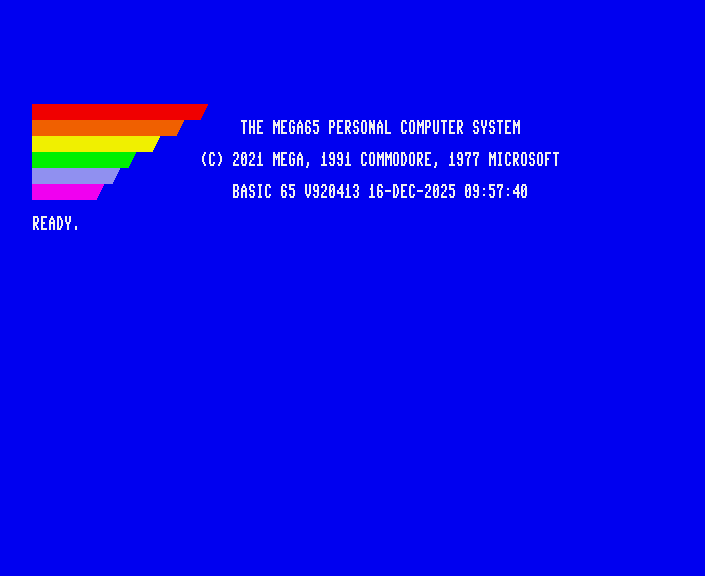
Emulator for the Mega65 modern 8 bit computer,
Commodore 65 and C64.
Features:
80 Column text.
Basic programming editor.
Assembly language: 45GS02/GS4510/45GS10/65C02/65CE02/6502
Character & Bitplane graphics.
Color palettes from 16 million+ colors (24 bit) / 4096 color (12 bit).
Stereo Audio: Four SID Synthesizers + Quad 4/8/16-bit switchable DACs.
Play Amiga MOD audio.
Machine code monitor.
Commodore 64 mode.
Numerous free apps to download.
How to use:
1. Download mega65go.zip
2. Extract the zip archive and enter the folder.
3. Run setup.bat (double click it).
4. Run START.bat
The emulator will download and run in it's own folders in the User account.
Enjoy!!
-------------------------------------------------
Tips:
A few pop-up boxes will appear during setup and on the first start.
Allow it permission to continue.
SD Card image:
It will ask to create an SD card image so click Yes.
Then update Xemu's signature on the SD Card image
Right click in Xemu --> Disks/Cart -- SD card --> Update files on SD image
Select the MEGA65.ROM that's in the folder you extracted:
mega65go --> files --> MEGA65.ROM
To display the Menu:
Right click inside the emulator window
To run programs:
Drag & drop a D81 disk image or PRG file into the emulator window.
Click "Mount a D81" or "Run/Inject as PRG."
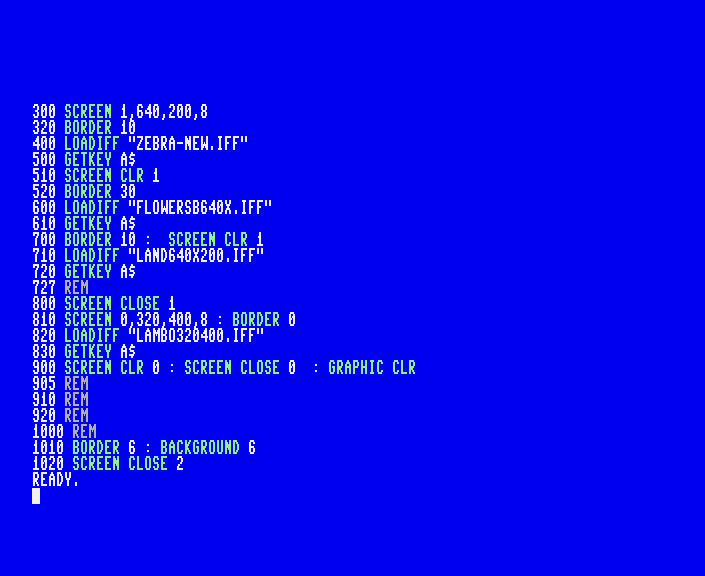
*** I include a slideshow.d81 in the download page to demonstrate graphics
Disk images (.D81 files) and manuals can be downloaded from :
https://files.mega65.org/html/main.php
Basic commands (type command then press Enter):
DIR (Display the disk directory)
RUN "* (Load and run first file on disk)
LOAD "* (Load first file on disk)
LOAD "FILENAME",8 (Load a file. Change FILENAME to actual file name)
LIST (Shows a program listing)
RUN ( Run a basic program)
GO64 (start C64 mode).
The keyboard:
Some keys are mapped to other keys on the PC keyboard.
* (asterisk) is at ] (right square bracket) key.
" (quotation mark) is located at @ (shift+2 key).
Keyboard and Joystick controls:
Keypad Arrow keys: Up, Down, Left & Right.
Keypad 5: Fire button.
Enter: Swap joystick ports.
A full size keyboard is best. Laptops can use the FN + letter keys for the keypad
and FN+Enter to swap joystick ports.
A keymap file called keymap-default.cfg is located in
%USERPROFILE%\AppData\Roaming\xemu-lgb\mega65
(copy this address to Windows file explorer, press enter)
F9 and F11 keys scroll a program listing up or down.
Other keyboard functions are described in the Mega65 book.
Download
Click download now to get access to the following files:

Leave a comment
Log in with itch.io to leave a comment.